
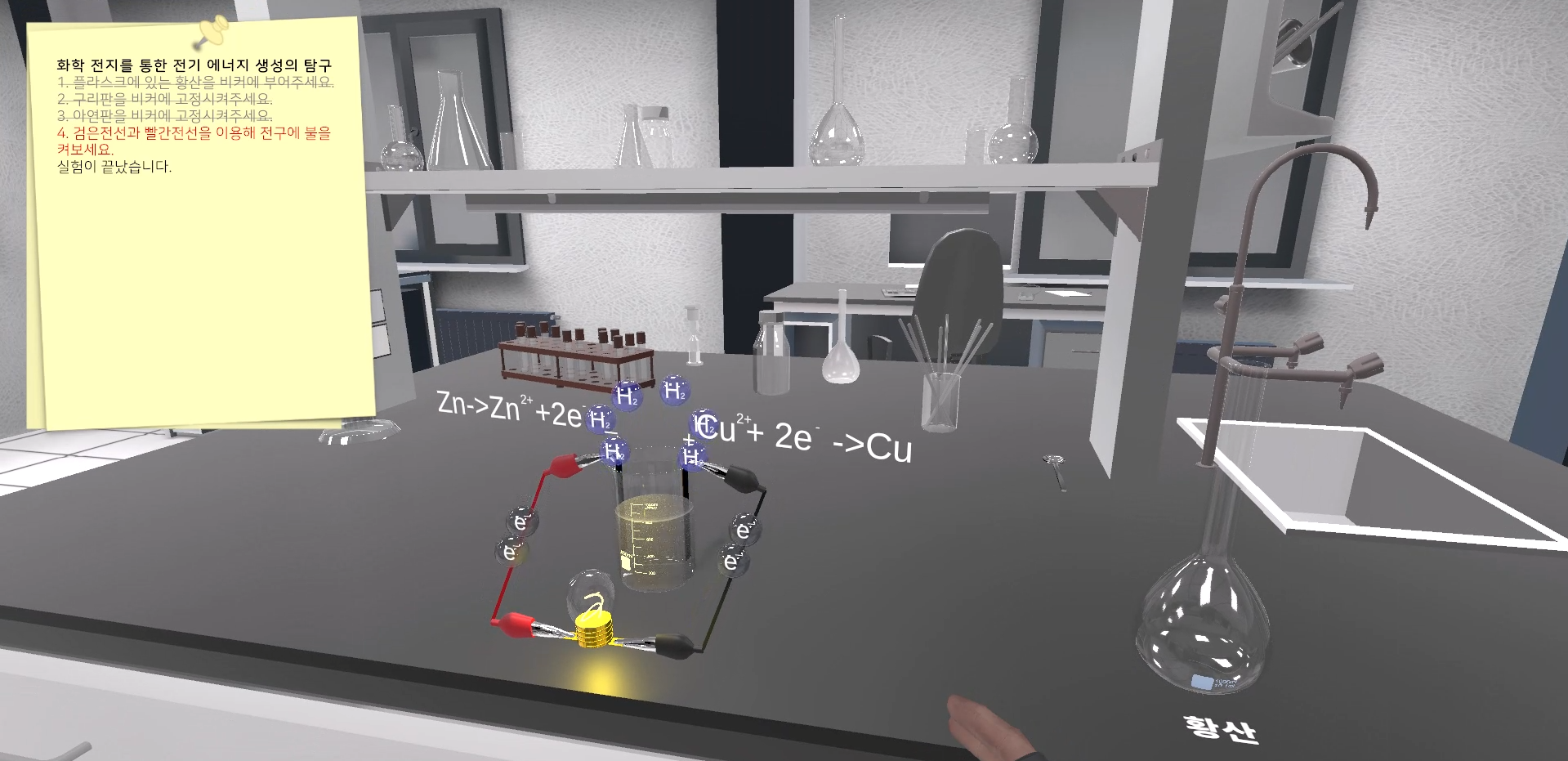
Galvanic Cell – Making Battery

The process of making a battery from zinc and copper with sulfuric acid is commonly known as a “galvanic cell” or “voltaic cell.” This type of battery is also referred to as a “zinc-copper cell” or a “Daniell cell,” named after the 19th-century scientist John Frederic Daniell who first developed it. Here’s a brief overview […]
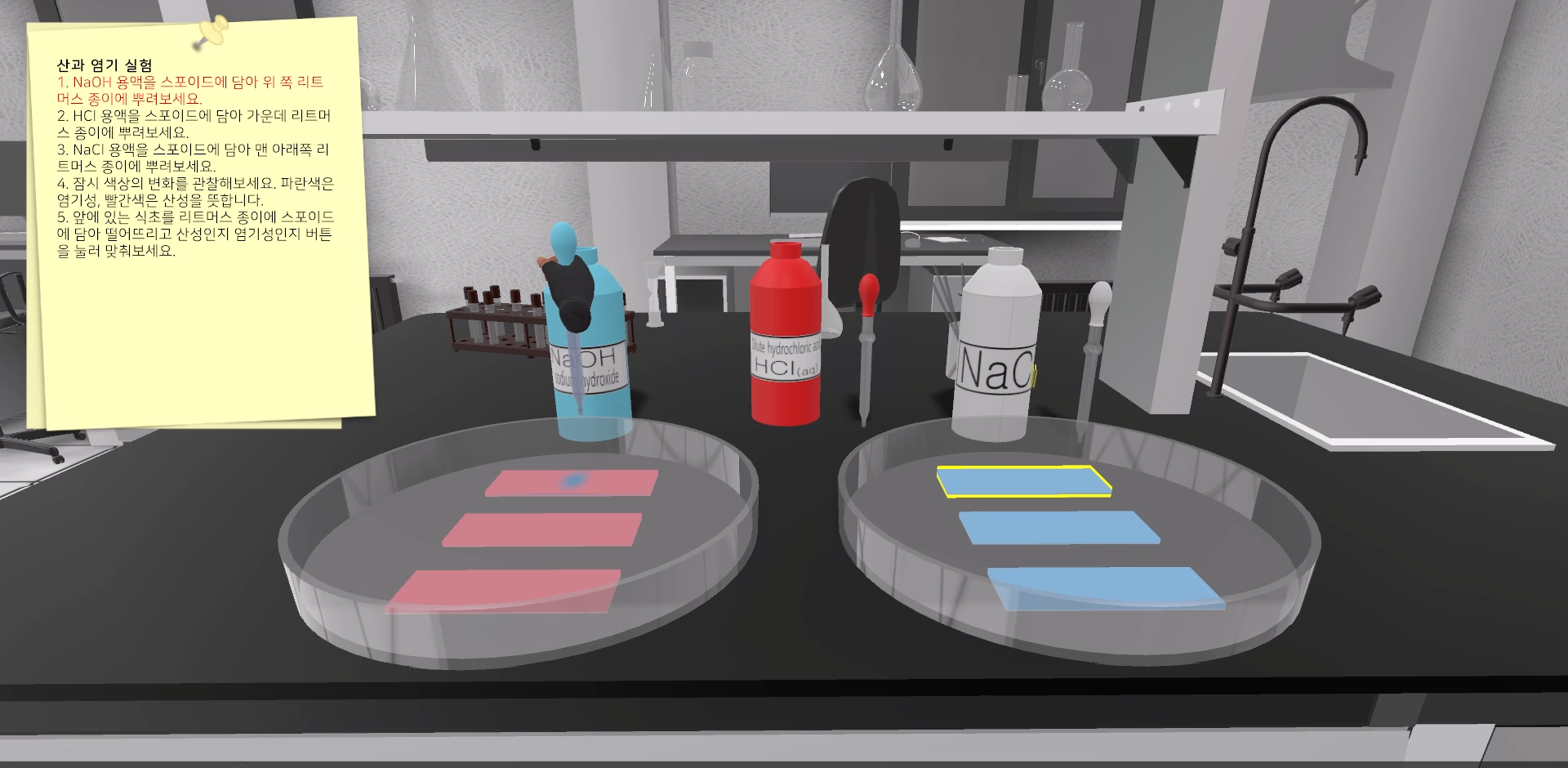
Acid and Base Reaction

Objective: The objective of this experiment is to observe and distinguish the reactions of an acid (hydrochloric acid – HCl) and a base (sodium hydroxide – NaOH) with litmus papers. Materials: Hydrochloric acid (HCl) Sodium hydroxide (NaOH) Litmus papers (both red and blue) Distilled water Two small containers (e.g., beakers or cups) Procedure: Setup (5 […]

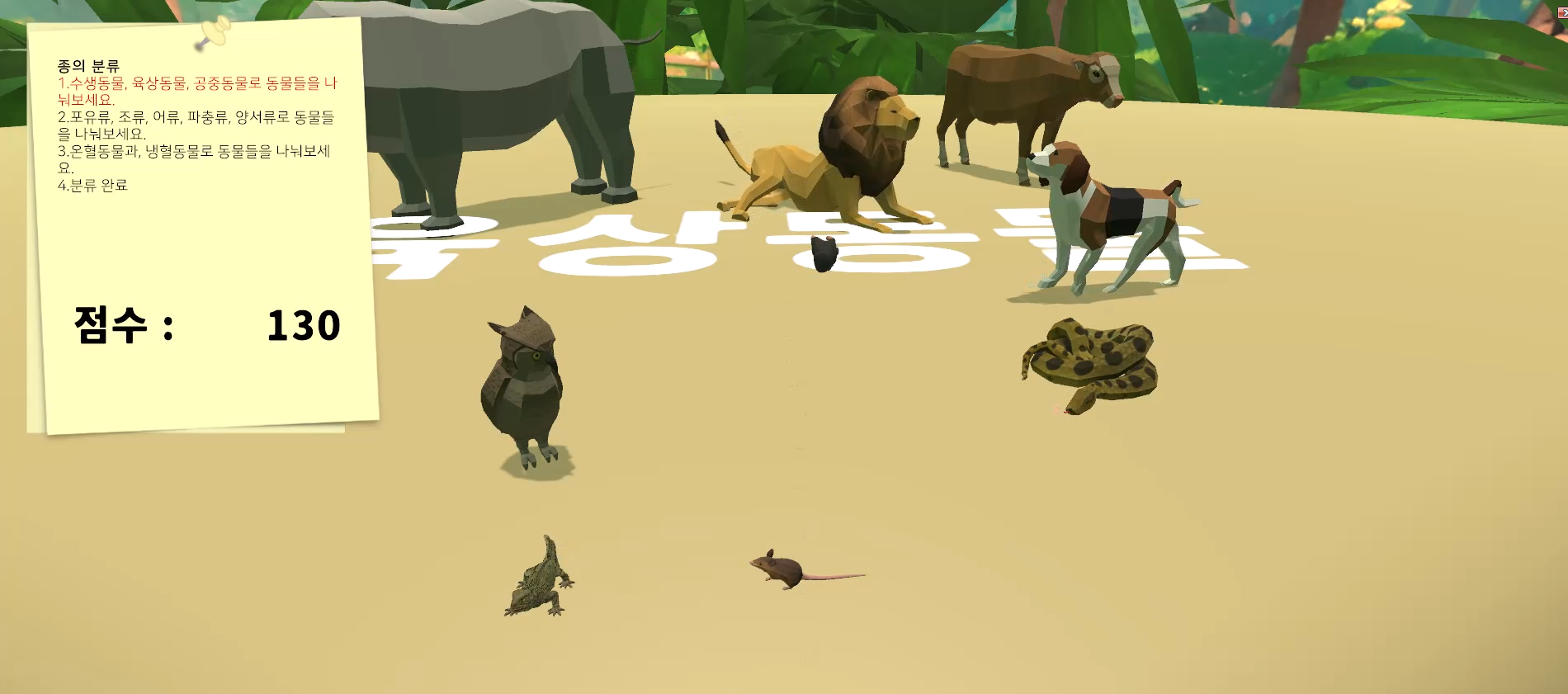
Classification of Species (Vertebrates)

Objective: The goal of this experiment is to introduce students to the concept of classification within the animal kingdom, focusing specifically on vertebrates. Students will explore the diversity of vertebrate animals and understand the criteria used to categorize them into different classes. Background: Biological classification is the systematic arrangement of organisms into hierarchical groups based […]

Blender Tutorial: Part 13 – Parent Object

In Blender, the concept of a “parent object” refers to a relationship where one object (the child) inherits transformations, such as translation, rotation, and scale, from another object (the parent). This hierarchical structure facilitates efficient control over multiple objects in a scene. By parenting objects, you can create complex animations, ensuring that child objects move […]

Blender Tutorial: Part 12 – Curve Object and Metaball

In Blender, sculpt graceful shapes with precision using curve objects, offering flexibility and control in 3D design. Introduce whimsical, fluid forms to your scenes with metaballs, providing a unique and dynamic touch to your creations. Blend the versatility of curve objects and the playful nature of metaballs to bring imaginative and captivating visuals to life […]

Blender Tutorial: Part 11 – Extrude, Cursor Move

In Blender, “Extrude” is a tool that extends selected geometry in the direction of the transformation manipulator or cursor. “Cursor Move” refers to relocating the 3D cursor in the scene. Combining these actions, “Extrude Cursor Move” allows you to extend a part of your model based on the position of the 3D cursor, providing precise […]

Blender Tutorial: Part 10 – Spin

In Blender, “Spin” is a tool used in Edit Mode that revolves selected vertices around a specified pivot point, creating a circular or curved shape. This feature is particularly handy for creating cylindrical or radial elements in 3D modeling, such as wheels or decorative details.

Blender Tutorial: Part 9 – Edge Slide, Shrink, Flatten

In Blender, “Edge Slide” allows you to smoothly slide selected edges along their connected faces, refining the shape of your model. “Shrink” scales down the selected geometry towards its median point, useful for precision adjustments. “Flatten” redistributes vertices along a specified axis, maintaining a flat profile for more controlled surface manipulation in 3D modeling.

Blender Tutorial: Part 8 – Bevel Shade Smooth

In Blender, “Bevel” adds rounded edges to geometric shapes, enhancing realism and light interaction. “Shade Smooth” smooths out the shading of a 3D model, giving it a polished appearance. Combining these features refines the look of objects, providing a professional touch to 3D renders in Blender.

Scroll to top
ko_KR한국어